ESP32 Mini OLED Webcam Stream
16 Apr 2026(Updated 12 Jun 2026)

What started as curiosity about small displays turned into a full creative tech experiment. The ESP32 hosts a web page over HTTPS (so mobile browsers allow camera access), and the browser handles everything: face detection, dithering, style rendering. The ESP32 just receives a 1024-byte frame and draws it.
The entire project lives in a single Arduino sketch file on purpose. I wanted someone who's never touched an ESP32 before to be able to open one file, paste in their WiFi credentials and a certificate, and hit upload. No library maze, no folder structure to get wrong. If you can get the Arduino IDE running, you can get this working. I also made a video tutorial about it, see the video below.
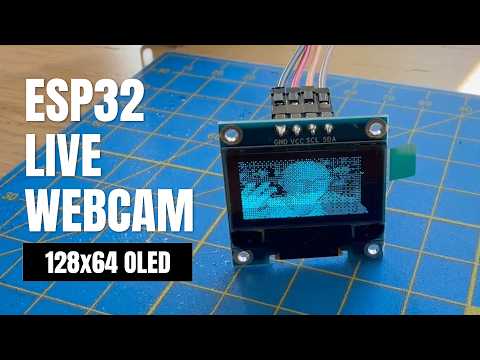
It works on phones too. You can walk around with your iPhone or Android, watching this tiny screen try to make sense of your face at one bit per pixel. The result is lo-fi, sometimes barely recognizable, and honestly pretty funny.
Seven styles are live-switchable: Dithered, Edges, Motion Trail, Scanlines, Skull, Glitch, and SHODAN (from the classic game System Shock). The last two use MediaPipe Face Landmarker to track facial features and overlay custom graphics.
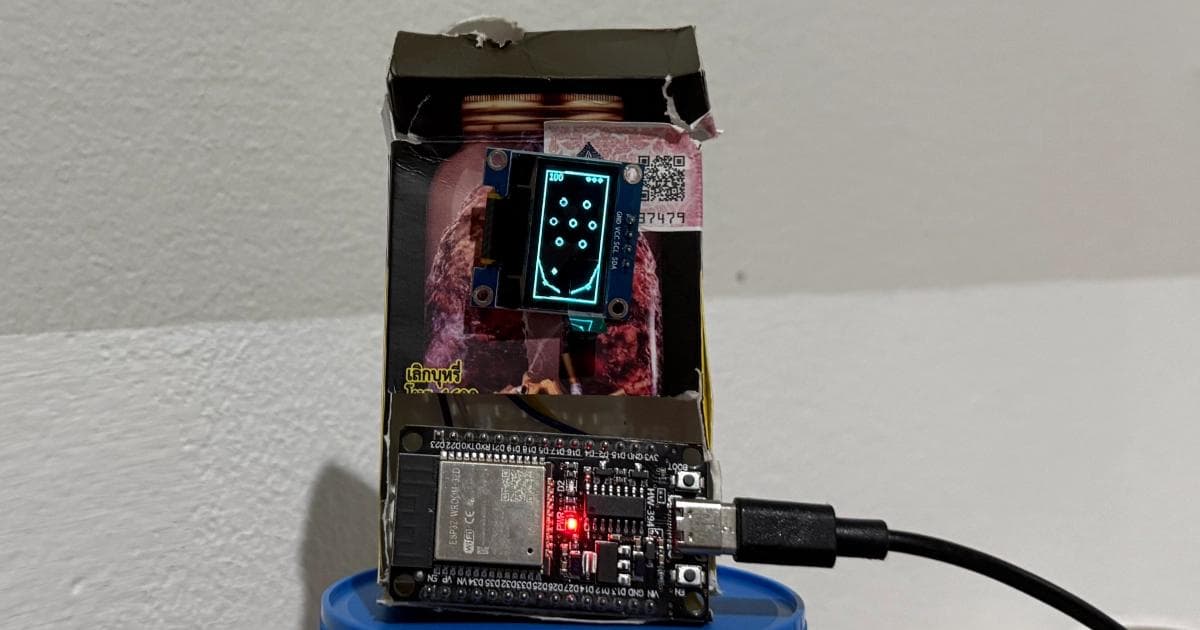
Built with an ESP32 dev board, a 0.96-inch SSD1306 OLED, and four jumper wires. I later used the same setup to build a pinball game with capacitive touch pins as flippers. See ESP32 OLED Pinball with Capacitive Touch
Frequently Asked Questions
- How do I stream a webcam to an ESP32 OLED display?
The ESP32 hosts a web page over HTTPS so mobile browsers allow camera access. The browser handles face detection and dithering using JavaScript, then sends a 1024-byte frame to the ESP32 over WebSocket. The ESP32 draws it on a 0.96-inch SSD1306 OLED. The entire project runs from a single Arduino sketch file with no external libraries required.
- What hardware do I need for an ESP32 OLED webcam stream?
An ESP32 dev board, a 0.96-inch SSD1306 OLED display, and four jumper wires. The display connects via I2C (SDA, SCL, VCC, GND). No breadboard, shields, or additional components are needed. The setup works with any phone or laptop that has a camera and a browser.
- Can MediaPipe face detection run on an ESP32?
MediaPipe does not run on the ESP32 itself. The face detection runs in the browser on your phone or laptop using MediaPipe Face Landmarker. The browser processes the camera feed, applies one of seven visual styles (including two that use facial landmark tracking for custom overlays), and sends only the final 1-bit dithered frame to the ESP32 for display.
Resources
- Download the code and run it yourself
- Watch the full ESP32 OLED setup tutorial
- See the ESP32 Mini OLED in action