Building a Portfolio with Next.js and Sanity (Headless CMS)
14 Apr 2025(Updated 19 May 2026)

When I decided to rebuild my developer portfolio, I wanted something fast, flexible, and easy to update. I ended up using Next.js with Sanity as a headless CMS. In this article I’ll walk through how I set up the architecture, structured the content, and deployed the site.
Intro
As a developer, having a portfolio is kind of a must. I had one for years, but at some point, I deleted it; and somehow never got around to making a new one. That’s partly because most of my work has been on internal projects as a consultant, so there wasn’t much I could actually share publicly. But honestly? Perfectionism also got in the way.
I kept telling myself, “This has to be the best site I’ve ever made, with the cleanest design, coolest logo, and smoothest animations.” I started sketching ideas a few times, but never finished because I was never happy enough. This time, I took a different approach: just get it done. It didn’t need to be perfect , just good enough to be useful and live. That mindset helped a lot.
Why I picked Next.js
I built the site using Next.js for a few reasons:
- It does server-side rendering out of the box, which helps with SEO.
- I already knew React, but hadn’t worked much with Next.js so it was a good excuse to learn.
- I wanted to use a headless CMS, and Sanity plays nicely with Next.js.
Starting the project
Everyone says “content is king,” and in my case, I didn’t have much to show since most of my work isn’t public. But I had done some side projects in my spare time, like a word clock and a workout timer app. I wrote blog posts about them on Medium, which gave me some material to use. I also had a few open-source repos that I could link. Piece by piece, it started to come together.
Design
I used Figma to design the site. It runs in the browser and feels familiar if you’ve used Illustrator or Photoshop. I started by defining the content first, knowing what needed to go on the page made designing a lot easier.
I knew I wanted four pages: Home, Projects, Blog, and About. It took a few tries to land on something I liked, but once I had the basics, it was easier to build on. I also made mobile versions of the design early on, so I had a good sense of how things would look on different screens.

Some parts were tricky as making a logo. I pushed that off until the end, hoping inspiration would strike. Also, during development, I often found myself going back to tweak the design or adjust things I missed. That back-and-forth is just part of the process, and it helped keep everything in sync.
GitHub Setup

I used GitHub for version control and project organization. It’s what most developers use, and it works well. I set up a Kanban board to keep tasks small and focused. That helped keep things tidy and easy to track.

For automation, I used GitHub Actions to handle linting, type-checking, formatting, testing, and building. Having those checks run automatically saved me from shipping broken code.
Next.js Setup
I started with a basic Next.js project using the App Router and Tailwind CSS. Sanity was the main dependency for managing content. I added routes for all main pages: About, Projects, and Blog.
To support translations, I used next-intl. Right now, the site is only in English, but using this library helps keep things organized in case I want to add more languages later.
Server-side rendering was important for speed and SEO, so I made sure that was baked in from the start.
Sanity Setup
Sanity is a headless CMS, it lets you manage your content separately from your code. After installing the CLI and setting up a project, you can access the studio through /studio.
I created the following schemas:
- jobType: for work experience
- pageType: for page-level data
- projectType: for projects
- settingType: site-wide settings like social media links
- tagType: tags for filtering
Here’s a simplified version of the projectType schema:
Sanity gives you a lot of options, like previews and custom ordering. The editor experience is smooth, and it’s flexible enough to grow with your content. On the image below you can see how the scheme looks for the user

Laying Out Pages
With Sanity up and running, I started adding real content. Since I’m on the free plan, I used a single dataset for everything. That was fine for me, I’d rather focus on actual content than setting up mocks.
Adding content in Sanity was easy. As I went, I realised I needed extra fields (like tags), so I added those and reused them across projects. Seeing real content in the browser made it easier to style things with CSS. I started with the mobile layout first, then worked my way up to larger screens.
Testing
I used both Jest and Playwright for testing.
- Jest covered unit tests for components and utility functions.
- Playwright handled end-to-end testing.
Some examples of what I tested with Playwright:
- Navigation between pages
- Layout across screen sizes
- Dynamic content from Sanity
- Accessibility and keyboard navigation
- Metadata and SEO details
- JSON-LD validation
One of the most useful tests checked how elements rendered across different breakpoints. I caught a layout bug on one screen size that I wouldn’t have noticed otherwise.
Medium.com Integration
I also write blog posts on Medium. Ideally, I’d fetch them through an API, but Medium doesn’t offer one. Instead, I used the RSS feed. It works well enough, but keep in mind, it only shows your latest 10 posts. Later on, I might store the posts somewhere else if I go past that limit.
Dark Mode
I didn’t plan to build dark mode, it just sort of happened. I like when sites follow your system settings, so I added support for that. Tailwind made it pretty easy.
I also added a theme switcher with a little animation. Just be careful with timing and transitions, if your background and content don’t sync, it can flicker.
Accessibility and Semantics
I once heard someone say, “A site without proper semantics is like a building with no wheelchair access.” That stuck with me.
So I focused on:
- Clear colour contrast (Playwright can help test this)
- Proper heading levels
- Keyboard navigation
- ARIA labels for assistive tech
SEO, Metadata, and Logo
SEO is very important, so I made sure every page had proper metadata, including:
- Open Graph tags
- Twitter card data
- JSON-LD for structured data
Next.js has a generateMetadata function, which made this easier. I created schema types in Sanity to fill in most of the fields dynamically.
Setting up JSON-LD took more work. Different projects had different types like SoftwareApplication, Product, or CreativeWork. Some even needed details like operating systems. I tested everything here on https://validator.schema.org/.
For the Favicon I needed a logo… that was tough. I didn’t have one, so I started sketching with my initials (SCC) and ended up making two versions : one for large screens and a simplified one for small devices. The bigger version includes some visual touches that make it look like code.

Responsive Design
I built the site “mobile first,” but I actually started designing for desktop. That helped me see how everything fit together before stripping it down for small screens.
For navigation, I first thought of using a hamburger menu, but I don’t love hiding menus behind a click. Since most people hold their phones near the bottom, I made the menu stick there and added a scroll-hide effect, like Reddit’s app.
Letting Go of Extras
I really wanted to add fancy page transitions using Framer Motion. I got them working, including exit animations, and they looked great but they made the site feel slower. I also tried animating the logo on load, but that messed with performance scores in Lighthouse. In the end, I dropped the animations for now. Maybe later I’ll try skeleton loaders instead.
Going Live
I took a “soft launch” approach; pushed the site live, but didn’t share the link right away. This gave me time to test SEO, fix bugs, and set up Google Analytics.
I hosted the site on Vercel. It’s super easy to set up, especially if you use GitHub. Just connect your repo and within minutes it’s live at yourname.vercel.app. Later, I connected my custom domain.
By default, Vercel deploys every branch and every push. That can eat into your free quota fast, so I changed it to only deploy when something is merged to main.
I also added a cookie banner to handle tracking. I wanted to use a free service, but they all felt heavy, so I built a small component myself.
One funny thing, I noticed a huge spike in visitors one day. I thought, “Wow, SEO is already working?” Nope. It was Playwright running tests with live data. Lesson learned: don’t test with production content.

You can ask Google to remove data from analytics if something like that happens, it takes a few days. Not sure about Medium, though. The spike is still visible there 😅.
Sharing the Site
During the soft launch, I asked some friends and coworkers to try it out. Watching how they use the site gave me a few new ideas, especially things that weren’t as clear as I thought.
Once I felt ready, I posted the link on LinkedIn and Facebook. I kept an eye on the traffic and saw that most people went to the Projects page. That told me I should probably move that link higher in the menu.
Final Thoughts
Building this portfolio with Next.js was fun. Sanity made content management easy, and I really liked how Next.js handles things like SEO and metadata.
Tailwind was new to me, but it’s easy to learn because of good autocomplete tool and clear documentation. It’s great for building responsive designs and switching between light and dark mode. The class names can get long though when using before/after styling which makes it harder to read.
Playwright turned out to be a real lifesaver. Writing tests was easy, and it caught a bunch of bugs I might’ve missed. Vercel also made the deployment process smooth, so I’d definitely recommend it.
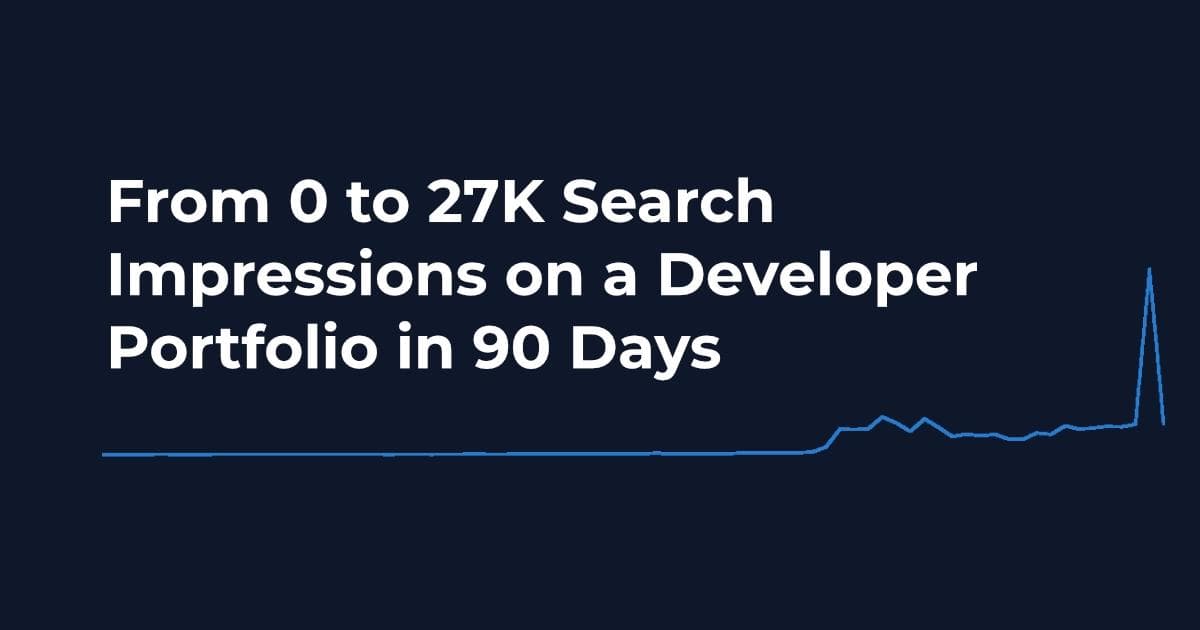
I also wrote about the SEO results, where the site went from 0 to 27K impressions in 3 months here.
Curious about the code? You can find it at github.com/sanderdesnaijer/portfolio.
Or if you want to know more about the project, view the portfolio project page
Let me know what you think!
Frequently Asked Questions
- Why use a headless CMS like Sanity with Next.js for a portfolio site?
A headless CMS separates content from code, so you can update projects and blog posts without redeploying. Sanity paired with Next.js gives you a structured content backend with a customizable editor at /studio, combined with Next.js App Router features like server-side rendering and built-in SEO support through generateMetadata. For a developer portfolio, this means fast page loads, proper metadata on every page, and the flexibility to add new content types (projects, blog posts, work experience, tags) by defining schemas in code. The site you are reading was built this way, starting with schemas for jobType, pageType, projectType, settingType, and tagType.
- What is the best headless CMS for a Next.js project?
It depends on your needs and budget. Sanity is a strong choice for developer portfolios because you define schemas in code (like projectType, tagType, and jobType), get a generous free tier, and can embed Sanity Studio at /studio inside your Next.js app. Contentful is more enterprise-oriented with a visual content model editor. Strapi is open source and self-hosted, giving you full control. Hygraph (formerly GraphCMS) works well if you prefer GraphQL. For a personal portfolio, Sanity's free plan covers a single dataset with enough API requests, and the schema-as-code approach means you can version control your content model alongside your frontend.
- How do you integrate Sanity CMS with a Next.js App Router project?
Install sanity and next-sanity, then define your content schemas in TypeScript for each content type you need (pages, projects, blog posts, jobs, tags). Use the Sanity client with GROQ queries to fetch content in your server components. For dynamic routes like /projects/[slug], implement generateStaticParams to pre-render pages at build time. Sanity Studio runs at /studio inside your Next.js app, so content editing and the frontend share a single deployment. You can start adding real content right away on the free plan using a single dataset, which makes styling easier because you see actual data instead of mocks.
- How do you handle SEO metadata in a Next.js site with a headless CMS?
Export a generateMetadata function from each page file in the Next.js App Router. This function fetches content from Sanity and returns a metadata object with title, description, Open Graph tags, Twitter card data, and canonical URL. For this portfolio site, each page also includes JSON-LD structured data with schema types like SoftwareApplication, Product, or CreativeWork depending on the project. Testing structured data with validator.schema.org is recommended. Combining generateMetadata with JSON-LD gives you both good search engine previews and rich results in Google.
- How do you test a Next.js portfolio site with Playwright and Jest?
Use Jest for unit tests covering components and utility functions, and Playwright for end-to-end tests. With Playwright you can test navigation, layout across screen sizes, dynamic content rendering from Sanity, accessibility and keyboard navigation, metadata tags, and JSON-LD validation. Testing across multiple breakpoints is especially useful because you can catch layout bugs that only appear at specific screen widths. One important tip: do not run Playwright tests against production with analytics enabled, because the test traffic will show up as real visits in your analytics dashboard.
- Can you use Sanity's free plan for a production Next.js portfolio?
Yes. Sanity's free tier includes enough API requests, datasets, and bandwidth for most personal portfolio sites and blogs. You get full access to Sanity Studio, GROQ queries, the CDN-backed image pipeline, and real-time collaboration. This portfolio site runs on Sanity's free plan with a single dataset, deployed on Vercel. The setup covers pages for projects, blog posts, work experience, and tag-based filtering. The main limitation is the number of team members and dataset size, which typically only becomes relevant for larger team projects.